
What’s New in Document3D 2023
Continuous product improvement, release by release.
Document3D Suite 2023
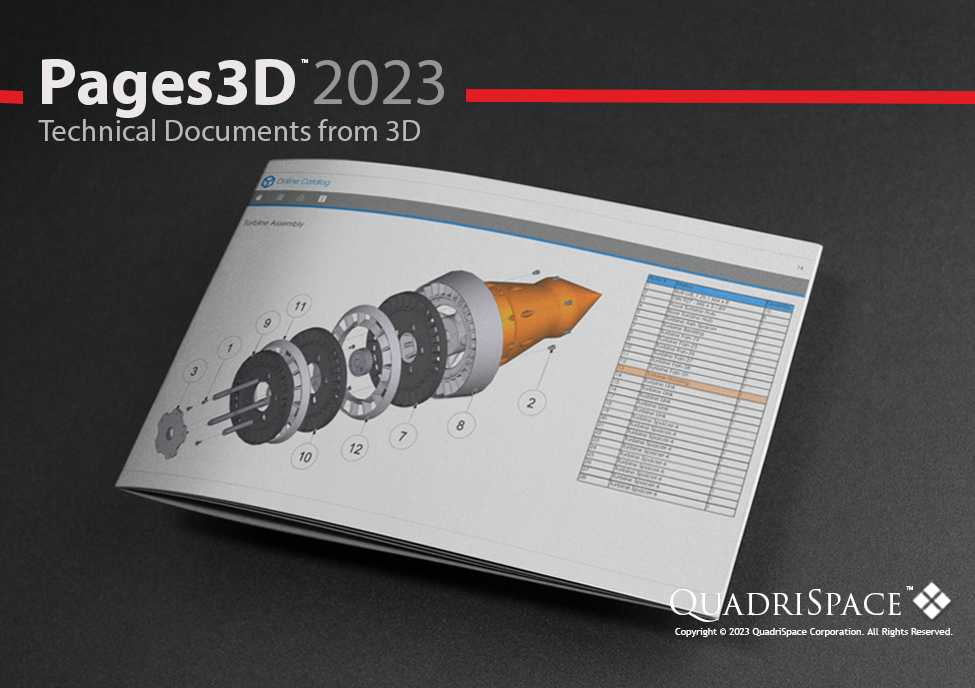
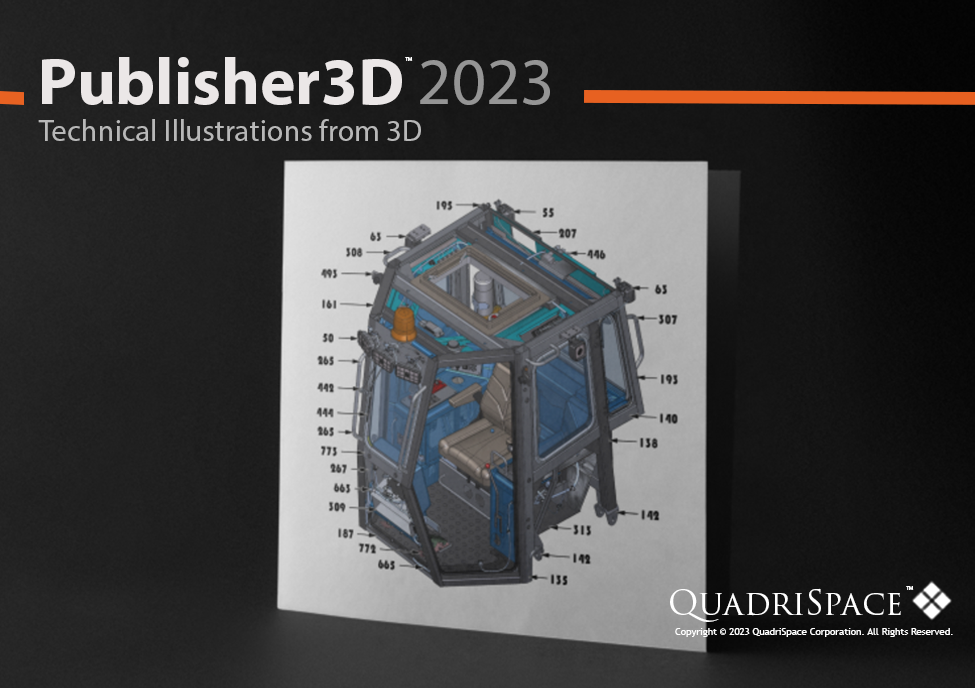
Enhancements in our 2023 release are focused on performance, document authoring tools and professional animation capabilities.The Document3D Suite includes both Pages3D Professional for a complete technical documentation solution, and Publisher3D Professional for technical illustration creation. Products are availalble individually as well.
@@IMG:23-pages3d.png@@
@@IMG:23-publisher3d.png@@
Fast and Updated User Interface
Modern user interface look-and-feel with improved performance, faster mouse over response times and rapid ribbon changes.
Multiple Master Pages
Multiple master pages for more versatility with large documents.
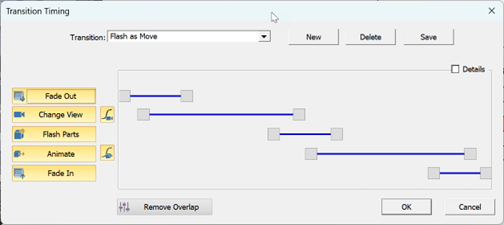
Transition Timing Editor
Create custom transitions with user defined timing for camera movement, part reveal, part movement, and other animation features.
@@IMG:23-transition-timing.png@@
Rich Text Metadata
Assign Rich Text Metadata to illustrations and parts. Display Rich Text Metadata dynamically as associated illustrations are displayed, or parts are selected.

@@IMG:23-rich-text-metadata.png@@
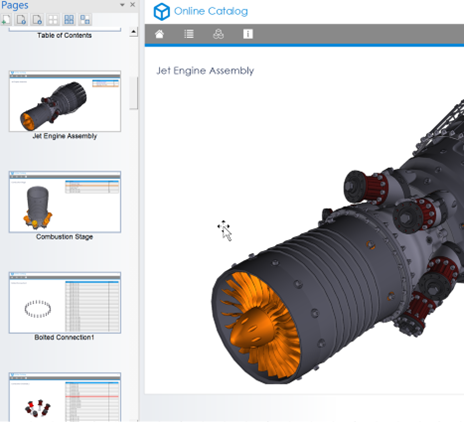
Pages Panel with Thumbnails
Visual thumbnails for navigating pages in a document.
@@IMG:23-pages-panel.png@@
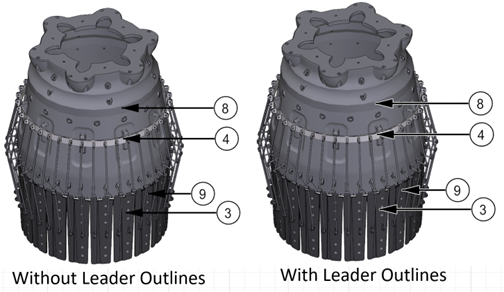
Leader Line Outlines
Leader Line Outlines provide better contrast and visibility in complex 3D scenes.
@@IMG:23-leader-lines.png@@
Curve Axis Tool
The new “by curve” axis allows users to orient the axis in the center of a hole. Very useful for rotating steps about a hollow center point.

@@IMG:23-curve-axis.png@@
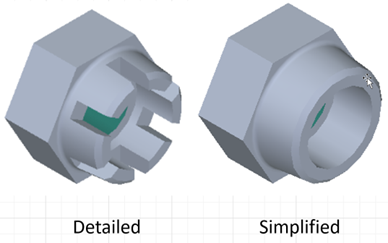
Solid Edge Simplified Parts
Support for Simplified and Designed parts and assemblies can reduce file size and increase performance.
@@IMG:23-se-simplified.png@@
Blink and Fade Parts
Fade parts in and out during storyboard animations. Blink selected parts during animations.
Try Document3D today
Every release builds on the last — download the current trial and see all of it in one product.