Powered by Share3D
Transform manufacturing communication with interactive 3D documents built on Share3D technology.
Share3D: Interactive 3D Content, Anywhere
Share3D is a robust HTML technology built on industry standards like HTML5 and WebGL, delivering interactive 3D documents without the need for plug-ins. It’s compatible with all modern browsers — Chrome, Firefox, Safari, Edge — and runs smoothly across platforms, including Windows, Macs, iPhones, and Androids. With WebGL’s hardware-accelerated rendering and HTML5’s flexibility, Share3D offers manufacturers an efficient way to share complex technical content directly in the browser.
Transforming Manufacturing with Share3D
Share3D enhances manufacturing communication with interactive 3D documentation, streamlining workflows, minimizing errors, and engaging stakeholders effectively.
Interactive Assembly Instructions
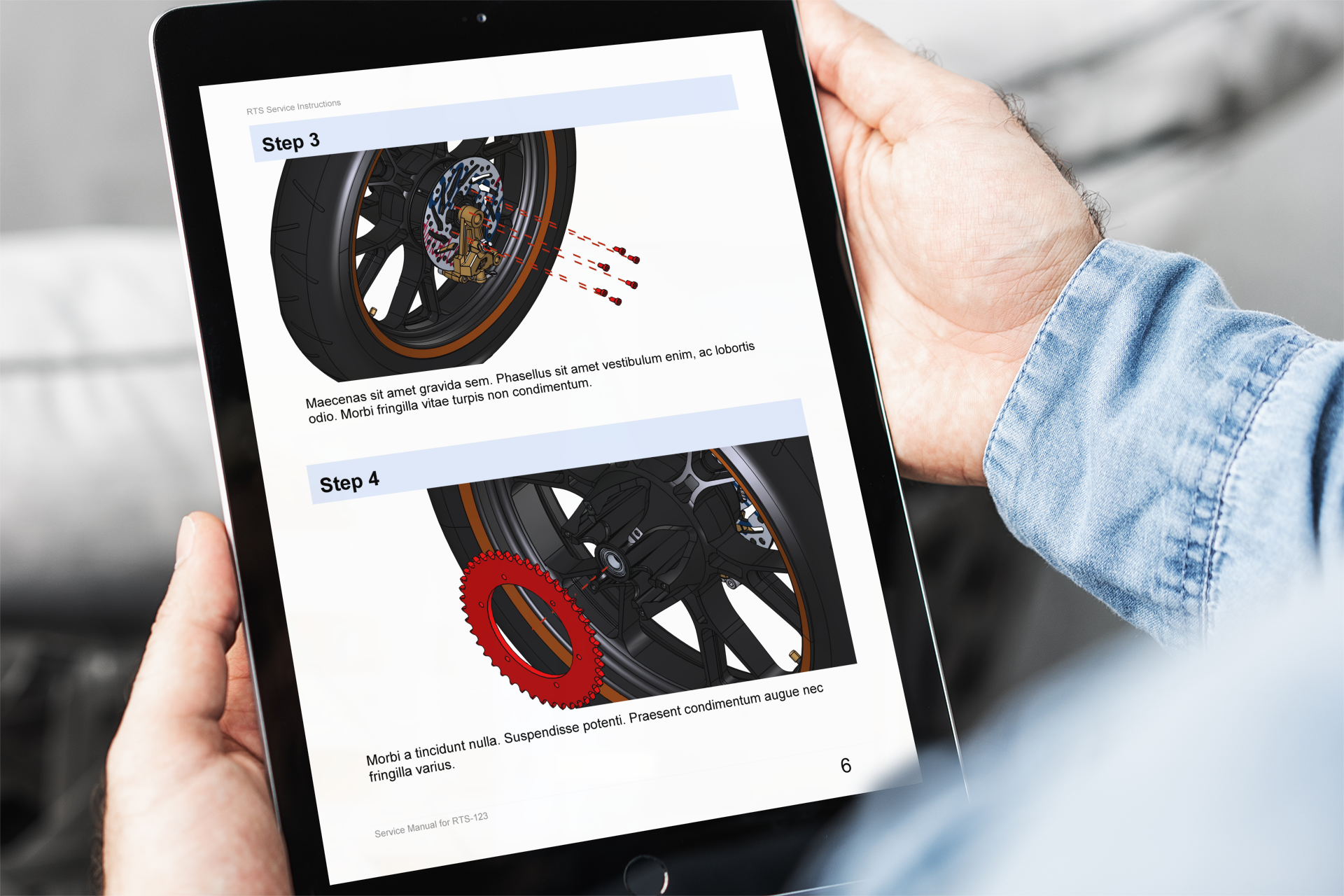
Detailed 3D assembly guides users can rotate, zoom, and explore — reduce assembly mistakes.
Dynamic Part Catalogs
Online catalogs with interactive 3D models. Drill down from a full assembly to individual parts.
Service & Maintenance Guides
Comprehensive service instructions with embedded 3D visuals for field teams.
Training & Onboarding
Immersive 3D tutorials with clickable hotspots linking to detailed instructions.
Customer-Facing Documentation
Interactive 3D product documentation that customers can manipulate online.
Interactive Sales Presentations
Browser-based demos showcasing a machine’s features with 3D models and animations.
What Sets Share3D Apart
Unlike typical web-based 3D viewers focused on simple rendering, Share3D offers a comprehensive, multi-page document solution.
Multiple Page Documents
Structured, multi-page documents with a table of contents for easy navigation.
Embedded 3D Views
Multiple interactive 3D models embedded in a single document, supporting rotation, pan, and zoom.
Rich Text and Tables
Detailed descriptions, specifications, and data tables integrated with 3D visuals.
Interactive Buttons
Embedded visuals and clickable controls to enhance navigation and user interaction.
Hyperlinks & Parts Lists
Links to external resources and real-time, interactive parts lists.
3D Animations
Fluid, browser-based animations illustrating processes or assembly steps.
How to Create HTML Content with Share3D
Create interactive HTML content with Document3D or Siemens Solid Edge Technical Publishing (SETP). Then choose how to share it:
- Export a single file for easy email sharing.
- Export a folder to host on your own web server.
- Upload to Share3D Cloud for secure, scalable distribution.