
Multi-Page Technical Documentation
Everything in Standard, plus a complete documentation environment for parts catalogs, assembly instructions, operations manuals and user guides.
A full page authoring environment
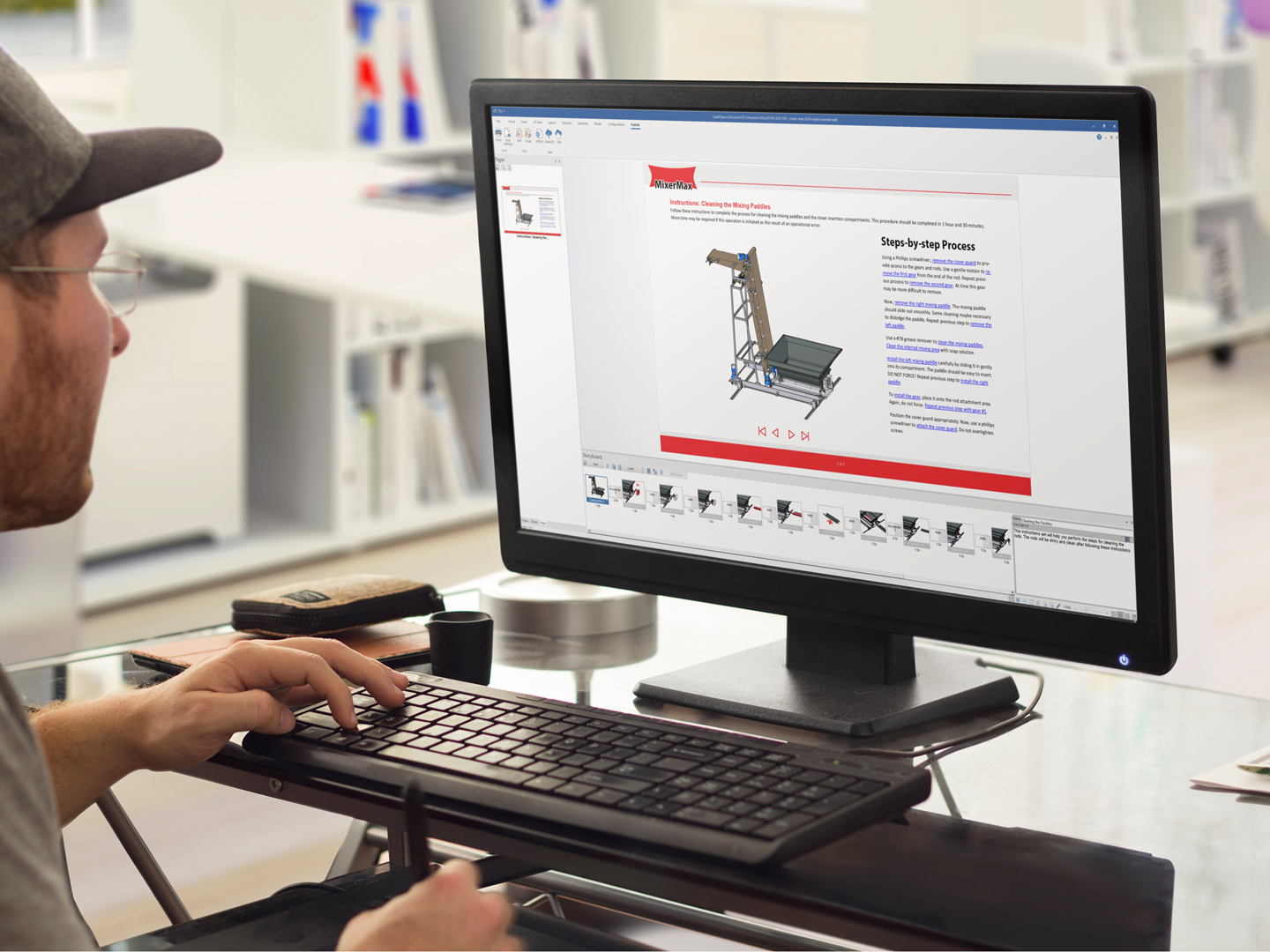
The most fundamental enhancement in Document3D Pro is the addition of a comprehensive documentation environment on top of Standard’s illustration tools. Create complete, multi-page technical documents that integrate multiple 3D CAD files in a single project — then publish to print, PDF (static or interactive) and interactive HTML.
- Everything in Standard — the full illustration environment: 3D-to-2D conversion, SVG with interactive callouts, raster/360°/AVI publishing.
- Multi-page documents — combine text, illustrations, parts tables and interactive 3D content in one workspace.
- Multiple CAD files per document — with seamless updates to the entire document when source files change.
What Pro adds over Standard
Documentation Environment
Author complete multi-page documents combining text, illustrations, parts tables and interactive 3D content.
Multi-Format Publishing
Export multi-page documents to print, PDF (static or interactive) and HTML with advanced layout control.
Parts Tables
Create detailed parts tables with advanced formatting and hyperlinks to views or external references — across multiple CAD files.
Step-by-Step Processes
Rapidly generate step-by-step procedures and assembly sequences with automatic viewpoints, visible parts and selections.
Dynamic Content Management
Store and reuse illustrations, parts tables, text and 3D data across pages and projects.
Collaborative Workspaces
Team collaboration on multi-page documents with shared templates for consistent workflows.
Advanced 3D Interactivity
Embed 3D views with sectioning and part highlighting in multi-page PDF/HTML — beyond Standard’s basic interactivity.
Multiple Model Integration
Merge and configure multiple 3D CAD files into cohesive assemblies within a single document.
Animation & Hyperlinks
Add 3D animations to illustrations, plus hyperlinked text and tables that drive interactive 3D actions.
Built for documentation teams
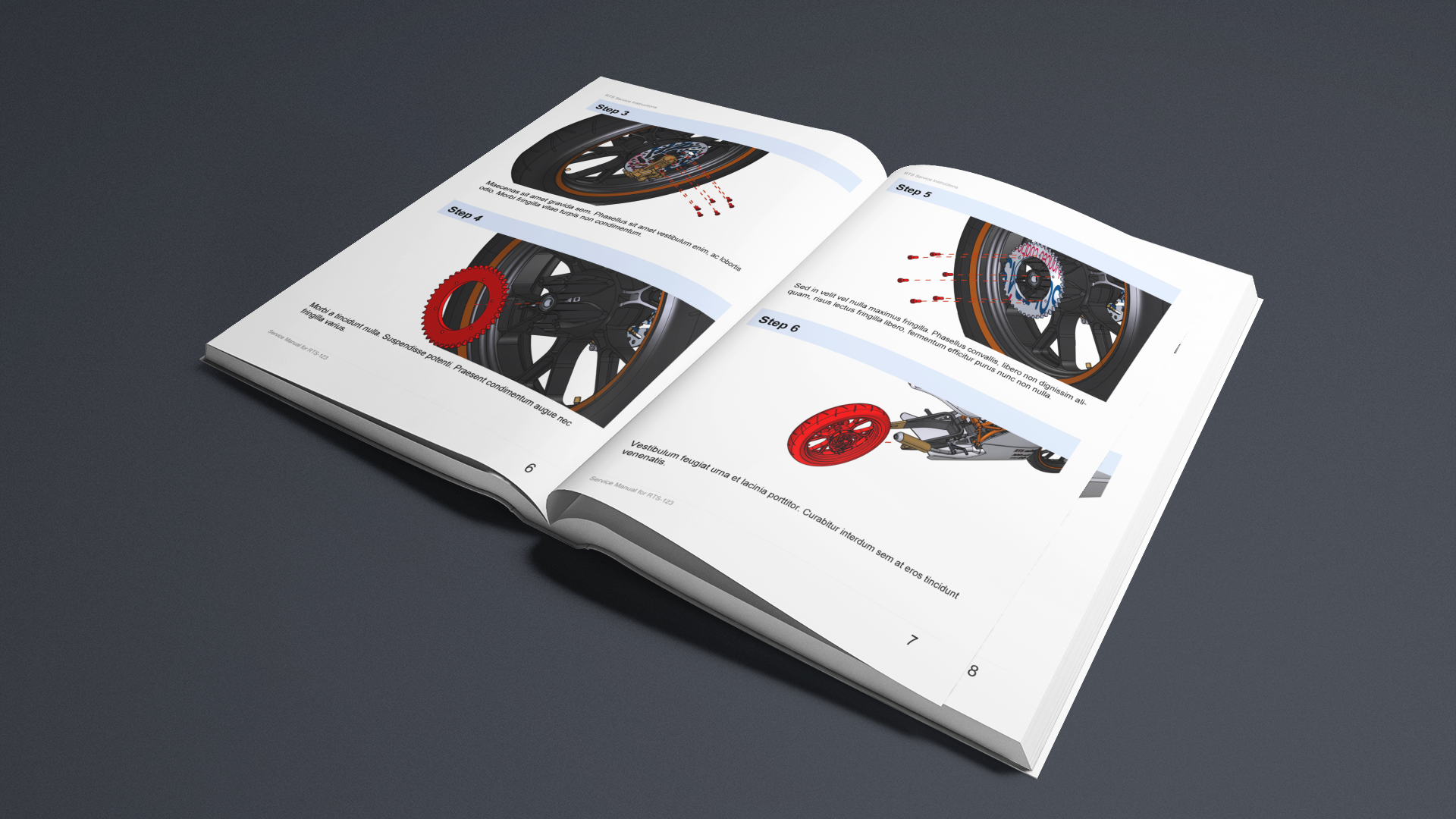
- Comprehensive technical manuals — assembly instructions, operations manuals and parts catalogs integrating illustrations, tables and 3D models.
- Interactive digital documentation — searchable multi-page guides with interactive 3D views for web delivery.
- Cross-departmental workflows — reusable documentation assets for engineering, training and customer service.
Going global?
Document3D Enterprise adds Creo import and XLIFF translation to everything in Pro.